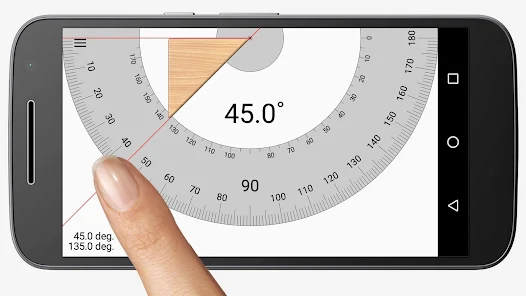
Master the Online Protractor
Follow this simple guide to measure any angle accurately in seconds. Whether you're a student or a professional, we've got you covered.
Align the Protractor
Open the tool and you will see the digital protractor on the canvas. Click and drag the center point to move it. Use the rotation handle to align the 0° line with one side of your angle.
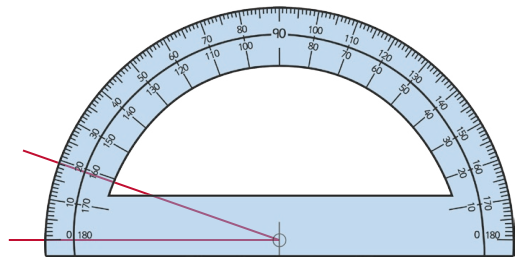
Measure the Angle
Look at where the other side of your angle intersects the protractor's scale. Read the value directly. For higher precision, use the 'Zoom' feature to see the exact degree markings.
Upload an Image
Have a photo or blueprint? Click the "Upload Image" button. Your image will appear on the canvas. Drag the transparent protractor over it to measure angles directly on the photo.